Can I Try Nano Banana Pro For Free?
Download MiniMax Design. Get free credits as a new user. Nano Banana Pro generations use credits; check the current cost in the app before you generate.
How Do I Use Nano Banana Pro In MiniMax Design?
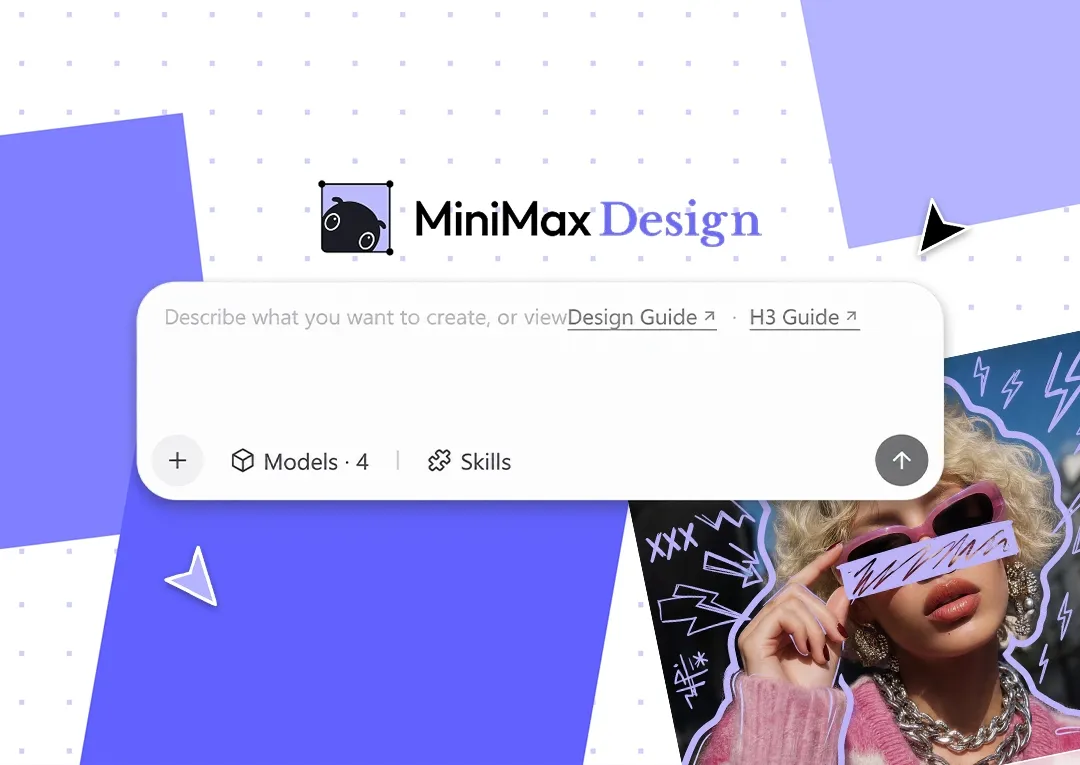
Download MiniMax Design for Mac or Windows, sign in, and start a project. Select Nano Banana Pro for image generation. Describe what you want to create and add any reference images, then ask for changes to refine the result.
Can Nano Banana Pro Generate 4K Images?
Google documents output up to 4K for the underlying model. The resolutions available inside MiniMax Design depend on its current integration and the settings shown for your account. Choose from those options and check the dimensions of your saved file.
Can I Use Multiple Reference Images?
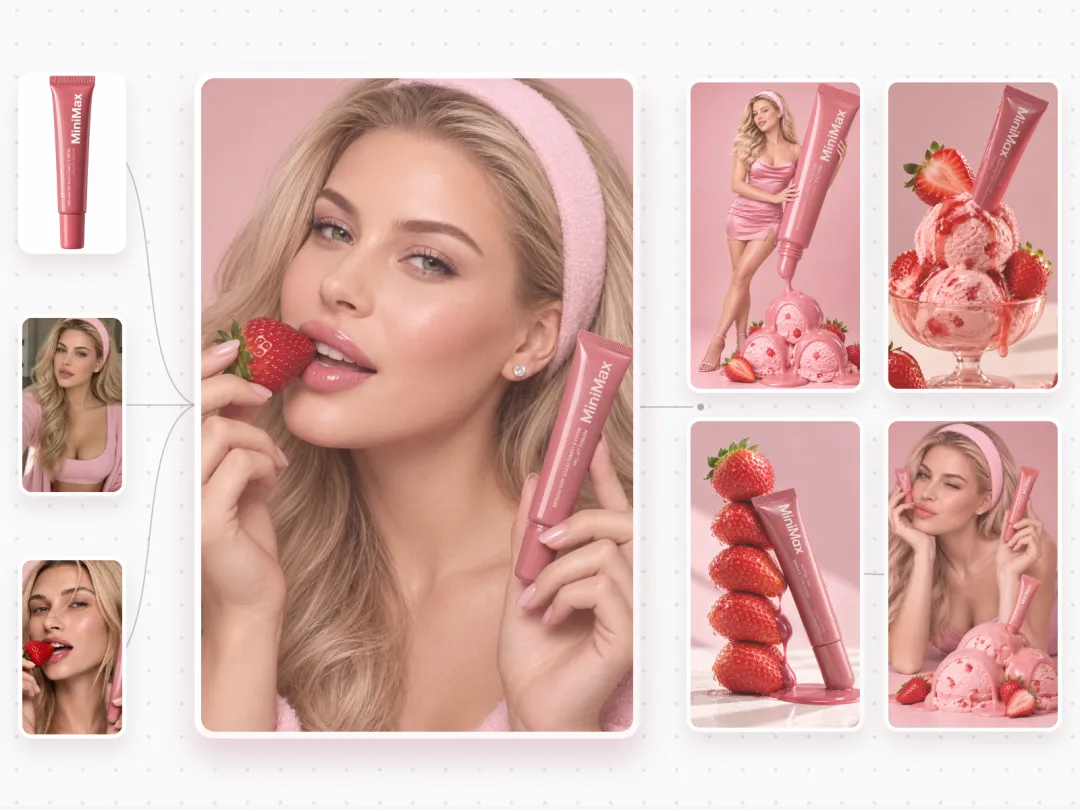
Use reference images with clear roles, such as one for your subject and another for the visual style. The underlying model supports multiple references; the number you can add in MiniMax Design depends on the current app integration.
Can Nano Banana Pro Edit An Existing Photo?
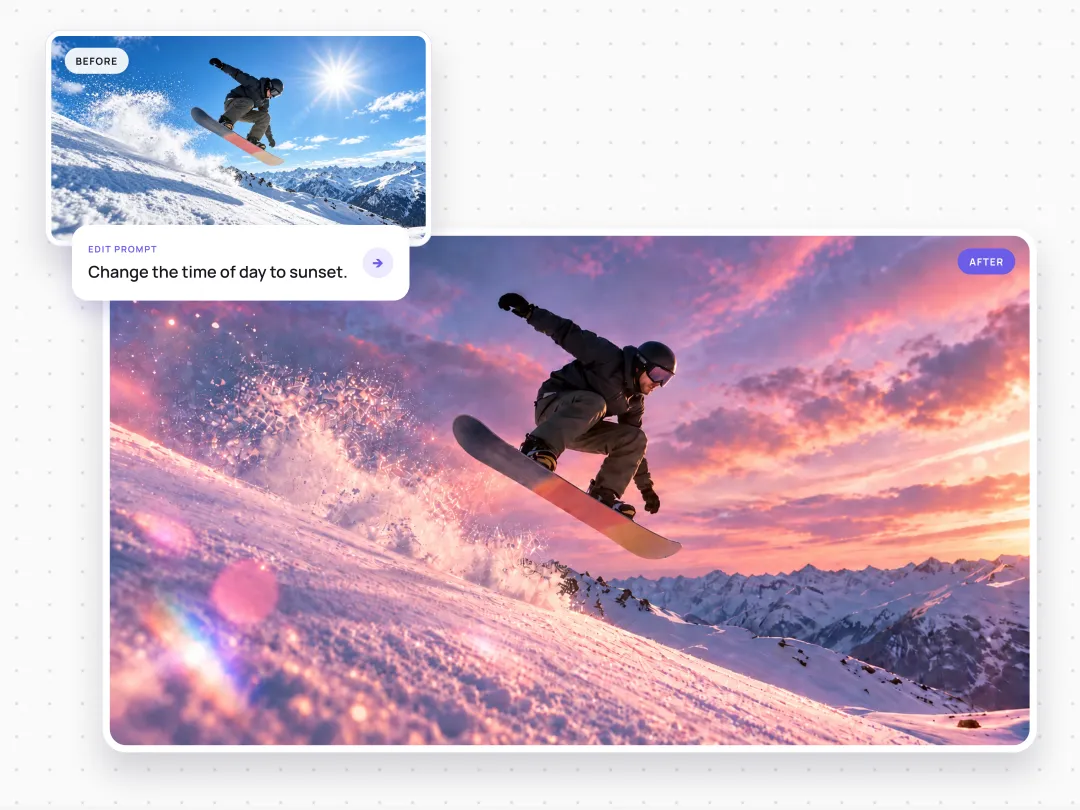
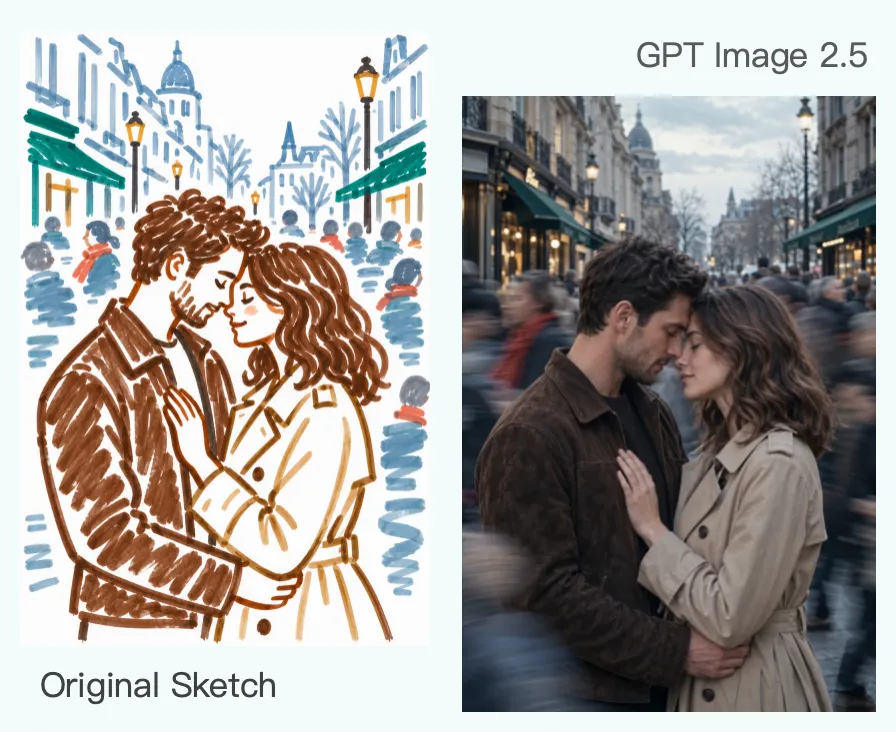
Yes. Upload a photo and describe a specific change, such as a new background, different lighting, or a revised composition. Explain what should stay the same, then compare the result with your original image.
How Can I Improve Text In My Images?
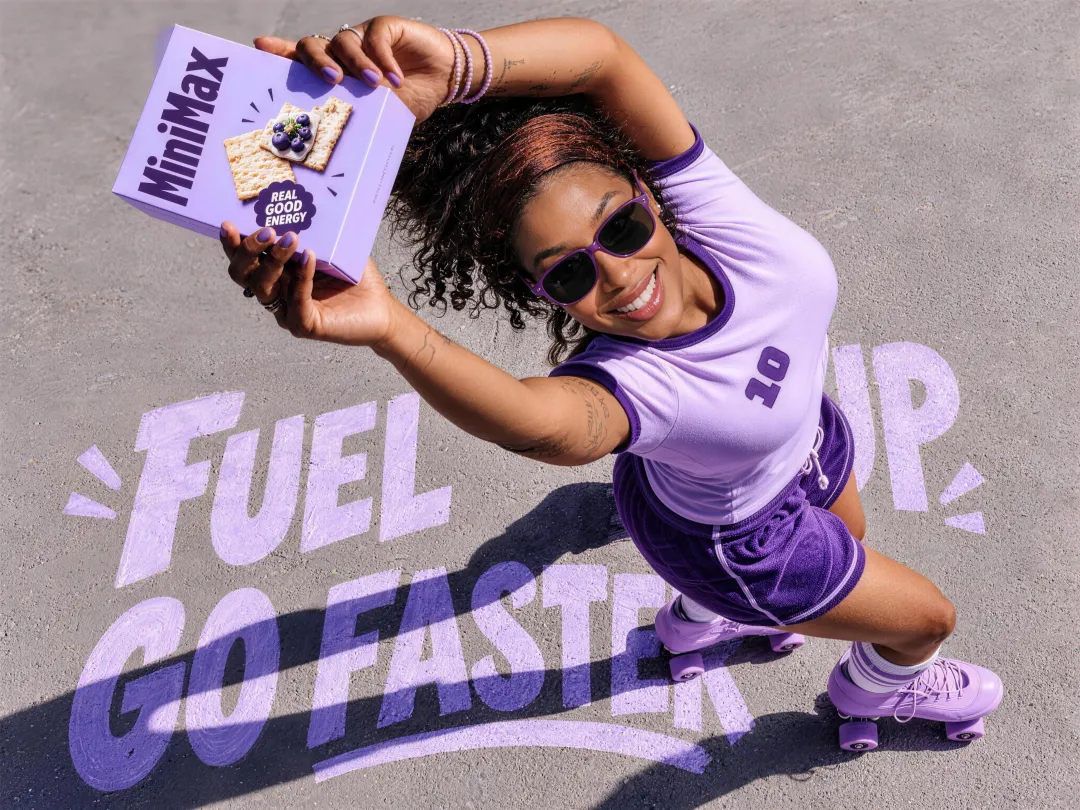
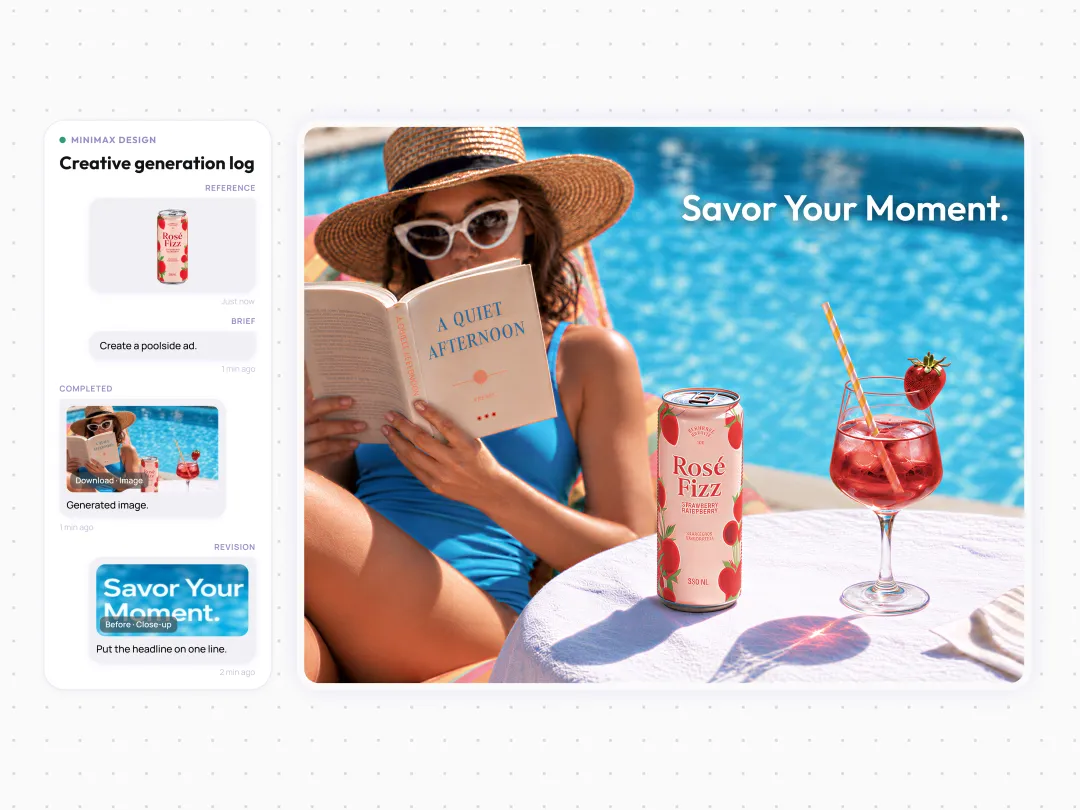
Put the exact wording in quotation marks and describe where it should appear. Keep the layout simple and make important text large enough to read. Ask for a correction if needed, and proofread names, dates, prices, and small labels before publishing.
How Do I Keep Characters And Products Consistent?
Use a clear reference image and name the details you want to preserve, such as a character’s hairstyle or a product’s shape and label. Describe the new scene separately. Compare each result with the reference, because fine details can still change.
Can I Use The Results For Client Or Commercial Projects?
Review the current MiniMax Design terms and applicable model terms for your account and project. Use references you have permission to use, and check generated text, logos, and likenesses before delivery. A generated image alone does not establish exclusive rights to every element it contains.
How Is Nano Banana Pro Different From Nano Banana 2?
Nano Banana Pro uses Gemini 3 Pro Image and is oriented toward detailed creative control. Nano Banana 2 uses Gemini 3.1 Flash Image and emphasizes faster generation and editing. Try the same brief on both and compare image quality, available settings, and credit cost for your particular task.
What Makes A Good Nano Banana Pro Prompt?
Specify the subject, intended use, setting, composition, lighting, style, and any exact text. If you attach a reference, explain what should be preserved. For edits, change one important element at a time so you can evaluate the result before adding more instructions.
What Is Nano Banana Pro?
Nano Banana Pro is the name for Google DeepMind’s Gemini 3 Pro Image model. It creates and edits images from written instructions and visual references. MiniMax Design includes it in its image model lineup, alongside other models for different creative tasks.
Does Nano Banana Pro Generate Videos?
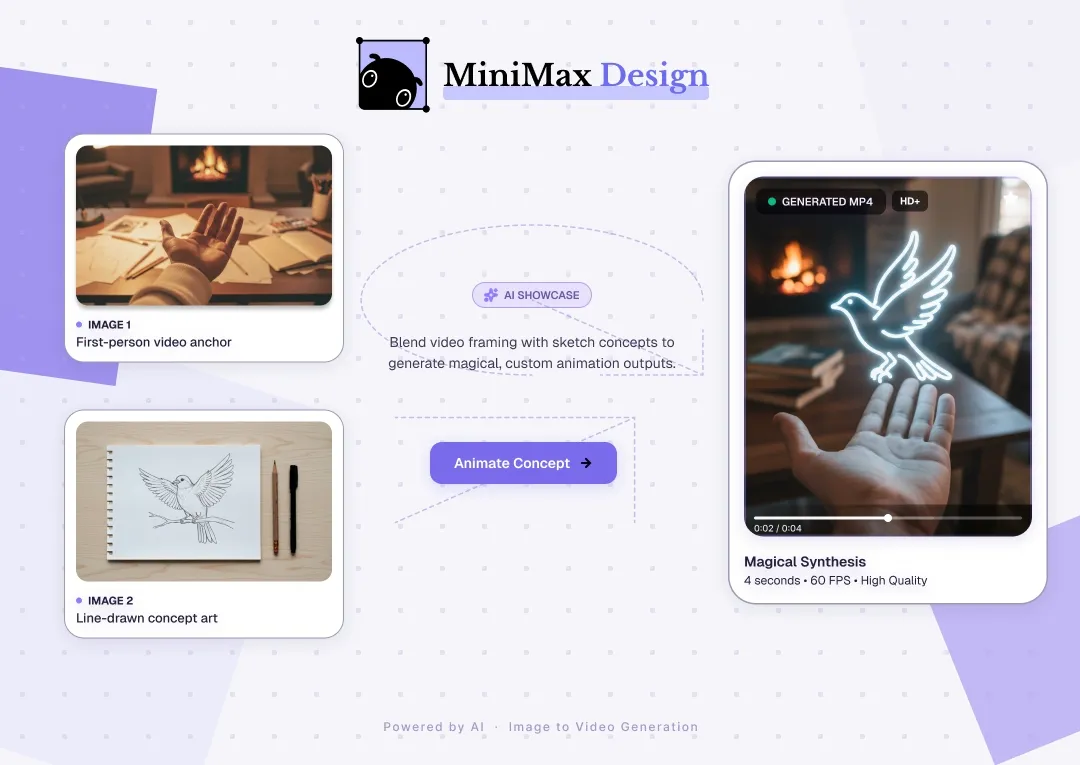
Nano Banana Pro creates and edits still images. To add motion, continue with a separate video model or image-to-video workflow in MiniMax Design. Describe the subject’s movement and camera behavior using the selected still image as the starting point.