Skip to content

MiniMax Design Image to Video AI GeneratorTurn Still Images into Motion with an AI-Guided Workflow

Start with a photo, product shot, character image, illustration, or concept frame. Describe how you want it to move, and MiniMax Design helps plan the creative process, recommend a suitable model, generate the video, and refine the result.

Why Use MiniMax Design for Image to Video?

MiniMax Design turns image-to-video creation into a guided creative process, helping you move from a still image to motion without managing every model, setting, and generation step yourself.

01

Animate from a Single Image

Start with a photo, product image, character artwork, illustration, or concept frame and use it as the visual foundation for a generated video.

02

Describe Motion in Natural Language

Explain the subject action, camera movement, atmosphere, or story you want instead of building a complex video workflow from scratch.

03

Get Model Recommendations

Let MiniMax Design recommend a suitable model based on the source image, intended motion, and creative result you want.

04

Keep the Visual Direction Consistent

Use the source image and creative instructions to guide character appearance, product identity, composition, materials, and overall visual direction as motion is added.

05

Refine with Natural-Language Feedback

Describe what you want changed and continue refining the motion, camera behavior, or overall result without rebuilding the creative process.

06

Reuse Successful Image-to-Video Workflows

Save a successful creative process as a reusable Skill and apply the same method to future images and projects.

Image to Video AI Showcase

Explore image-to-video examples across product advertising, cinematic characters, automotive motion, fashion, drama, and fantasy.

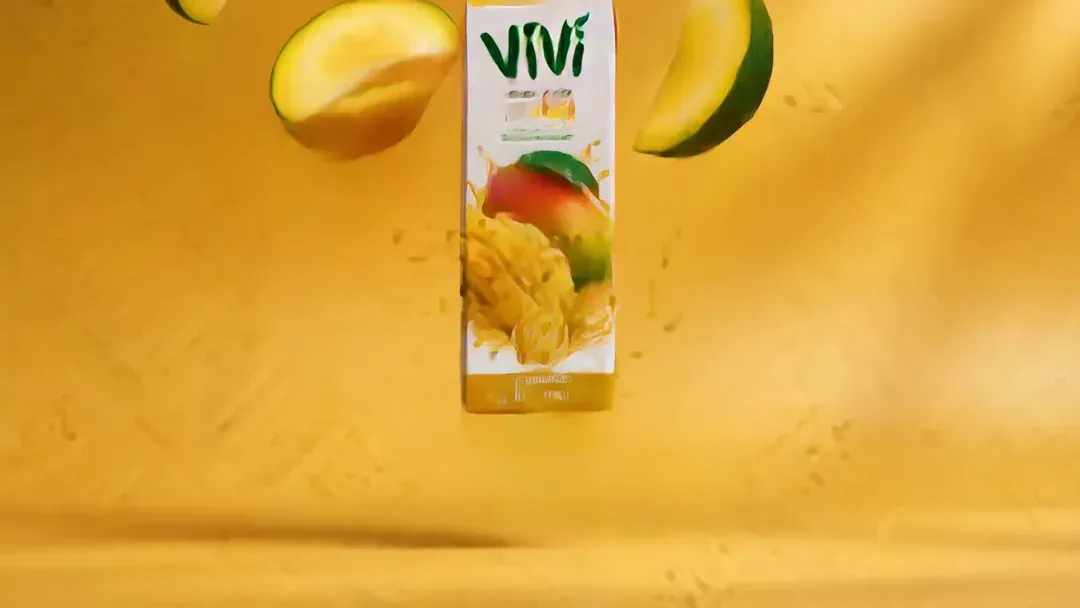
Product Commercial

A premium cinematic beauty commercial. The camera performs a very slow, elegant dolly-in toward the woman while she naturally holds the futuristic skincare product toward the lens. She makes only subtle micro-movements: a soft blink, a slight shift of her wrist, and a barely noticeable confident smile. Morning sunlight slowly moves across the room, creating delicate highlights on her skin, the product surface, marble, and glass. Soft curtains move gently in the breeze. Reflections on the product and furniture shift naturally with the camera movement. Maintain realistic skin texture, accurate hand anatomy, stable facial identity, and consistent product shape. Shallow depth of field, smooth focus breathing, luxurious commercial lighting, restrained motion, sophisticated pacing, photorealistic, high-end skincare campaign.

Cinematic Character Motion

A sophisticated cinematic sci-fi shot on a rain-soaked futuristic Tokyo street at midnight. Begin with a slow push-in from behind and slightly to the side of the woman, then subtly arc around her as she slowly turns her head toward the camera, as if sensing something behind her. Her expression remains restrained, mysterious, and emotionally controlled. Rain falls naturally across the transparent umbrella, with droplets sliding over the surface. Neon reflections ripple across the wet pavement as distant pedestrians move softly through the background. Her wet hair shifts slightly in the breeze. Thin mist drifts between the skyscrapers while the giant moon glows through moving clouds. Use realistic parallax, subtle anamorphic lens behavior, gentle rack focus, dramatic rim lighting, cinematic depth, premium sci-fi atmosphere, slow deliberate pacing, photorealistic night cinematography.

Automotive Motion

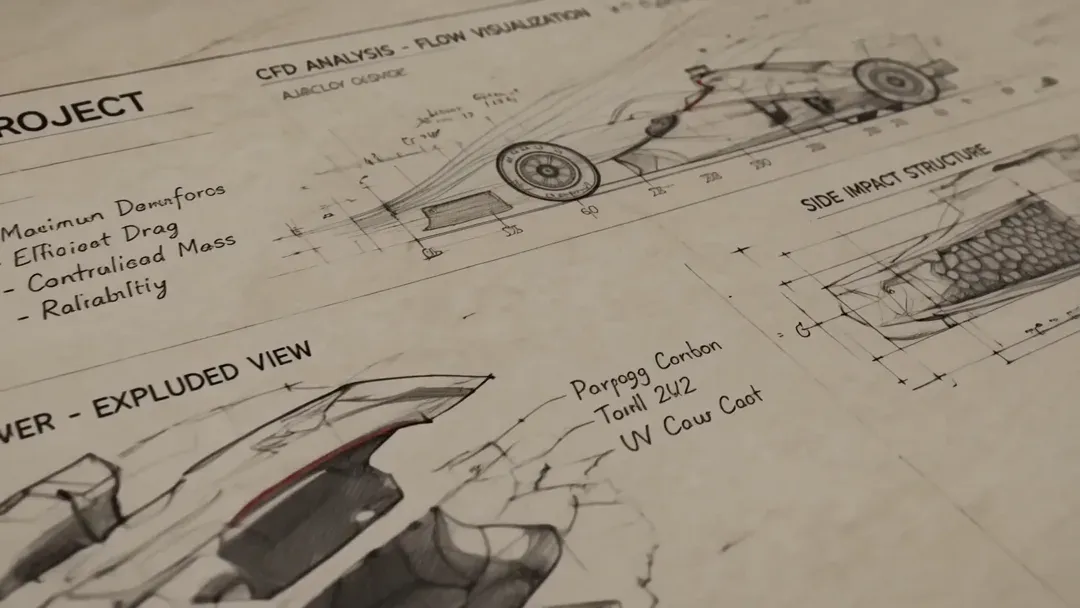
A premium automotive commercial shot of a futuristic electric sports car accelerating along a dramatic coastal highway at sunset. Use a low-angle cinematic tracking camera moving smoothly beside the car, gradually transitioning into a subtle three-quarter front chase shot. The wheels rotate realistically, suspension responds naturally to the road, and fine water spray lifts from the wet asphalt behind the tires. Reflections of the golden sunset, clouds, cliffs, and road move accurately across the metallic bodywork. The coastline creates strong cinematic parallax while the ocean and cliffs sweep past in the background. Headlights reflect naturally on the wet road. Add controlled motion blur only to the environment and wheels while keeping the car body sharp and premium. Dramatic sunlight breaks through clouds with restrained lens flare. High-end luxury automotive campaign, powerful but elegant sense of speed, realistic physics, cinematic contrast, ultra-photorealistic.

Fashion Editorial Motion

A high-fashion cinematic editorial portrait with surreal, elegant motion. The camera performs a very slow, graceful orbit around the woman while maintaining her face as the visual anchor. Her expression remains calm and statuesque, with only a subtle blink and slight head movement. Her black hair moves gently in the air as vivid red butterflies slowly emerge from the flowing strands and spiral outward in layered depth. Some butterflies pass close to the lens while others drift softly in the background, creating natural foreground-to-background parallax. The sculptural dress moves minimally, with subtle fabric tension and soft folds reacting to air movement. Fine particles and smoke drift slowly through the dark studio environment. Use precise dramatic lighting, controlled highlights on skin and fabric, shallow depth of field, elegant slow motion, sophisticated fashion-film pacing, surreal yet photorealistic, luxury editorial campaign.

Drama Storytelling

A prestige cinematic romance thriller scene at night. The camera slowly pushes toward the rain-covered floor-to-ceiling window, using the glass as a layered visual barrier between the woman outside and the man inside. The woman remains mostly still, breathing subtly as rain falls around her, while the man slowly steps closer to the window from inside the penthouse and stops several feet away. Neither character makes exaggerated gestures; the emotional tension comes from silence, distance, and eye contact. Rain droplets slide down the glass in sharp foreground detail while warm interior lights and cold city bokeh remain softly layered behind them. Use a subtle rack focus between the woman, the rain-covered glass, and the man. Reflections shift naturally as the camera moves. Moody dramatic lighting, premium streaming-drama cinematography, restrained performances, realistic expressions, slow suspenseful pacing, luxury interior atmosphere, cinematic depth.

Epic Fantasy Animation

An epic cinematic fantasy shot with monumental scale. Begin behind the lone warrior on the cliff and slowly push forward toward the vast floating city, creating strong depth and environmental parallax. The warrior remains mostly still while the cape moves naturally in powerful mountain wind. Massive cloud layers drift slowly across the valleys and floating islands. Golden sunlight gradually breaks through the storm clouds, creating moving volumetric light rays across the ancient city. Hundreds of distant glowing flying creatures move in coordinated formations through the atmosphere, while waterfalls fall naturally from floating structures into the clouds below. Add subtle movement to distant banners, mist, and atmospheric particles. The camera movement should remain slow, steady, and majestic, emphasizing the tiny scale of the warrior against the enormous world. Hollywood-level fantasy cinematography, breathtaking world-building, realistic atmospheric perspective, IMAX-scale composition.

Stop Managing AI Video Tools. Start Creating.

MiniMax Design helps turn a still image into a complete creative process, guiding motion planning, model selection, generation, refinement, and reuse in one place.

Creative WorkflowMiniMax DesignOther AI Video Tools
Best Starting PointStart with an image and a simple idea of how you want it to moveOften start with an image plus a detailed prompt, model choice, and generation settings
Motion PlanningDescribe the intended action, camera movement, or mood and let the agent help shape the processTypically define motion instructions and generation strategy manually
Model ChoiceGet model recommendations based on the source image and intended motionTypically compare and choose models before generating
ReferencesAdd the source image and explain which visual elements should remain consistentOften configure reference inputs and settings separately for each generation
IterationDescribe what you want changed and continue refining through natural-language feedbackOften rewrite prompts, change parameters, and regenerate clips manually
Multi-Step CreationContinue from image creation to animation, refinement, and broader creative workflows in one placeMay require moving between separate generation, editing, and production tools
ReuseTurn a successful image-to-video process into a reusable SkillOften reuse prompts, presets, or previous project settings
Learning CurveDescribe the result you want while the agent handles more of the workflow complexityOften require learning individual models, prompting methods, settings, and motion controls
Best ForCreators who want to move from a still image to a finished video with less workflow setupCreators who prefer to manage individual video-generation steps directly

How to Turn an Image into a Video with MiniMax Design

Start with an image, describe the motion you want, let MiniMax Design help plan the generation process, then review and refine the result.

  1. 01

    Download MiniMax Design

    Install MiniMax Design and start a new creative project.

  2. 02

    Add the Image You Want to Animate

    Start with a photo, product image, character artwork, illustration, or another visual you want to turn into a video.

  3. 03

    Describe How It Should Move

    Explain the subject motion, camera movement, atmosphere, or story you want. A simple creative direction is enough to get started.

  4. 04

    Generate, Refine, and Reuse

    Review the generated video, describe what you want adjusted, and save a successful process as a reusable Skill for future projects.

Frequently Asked Questions About Image to Video AI

What is an AI image-to-video generator?

An AI image-to-video generator uses a source image and motion instructions to create a moving video clip while using the image as the visual starting point.

Can MiniMax Design turn an image into a video?

Yes. Add an image, describe the motion or scene you want to create, and MiniMax Design can help coordinate the image-to-video workflow, recommend a suitable model, and guide the generation process.

Can I animate a photo with MiniMax Design?

Yes. Photos, portraits, product images, character art, illustrations, and other supported visual inputs can be used as the starting point for an AI-generated video.

Do I need to write a detailed image-to-video prompt?

No. You can begin with a simple description of the action, camera movement, atmosphere, or mood you want, then refine the result through additional feedback.

Can I describe camera movement for image-to-video generation?

Yes. You can describe camera behavior such as a push-in, pan, orbit, or tracking movement in natural language. Available results depend on the model used in the workflow.

How is MiniMax Design different from other AI image-to-video tools?

MiniMax Design is built around agent-guided creation. It helps interpret the creative goal, plan the process, recommend models, and support refinement through natural-language feedback instead of requiring every workflow decision to be handled manually.

Can I turn an AI-generated image into a video?

Yes. An approved AI-generated image can be used as the starting point for an image-to-video workflow inside MiniMax Design.

Can I create product videos from product images?

Yes. Product images can be used as the starting point for animated product visuals, advertising concepts, and social media creative workflows.

Can I create character videos from a single image?

Yes. A character image can be used as the visual starting point for image-to-video generation. Appearance consistency and motion behavior depend on the source image, prompt, and selected model.

How long can an image-to-video clip be?

Available video duration depends on the model and generation settings used in the workflow.

Can AI image-to-video content be used commercially?

Commercial-use rights depend on the selected model, service terms, source image, and intended use. Review the applicable MiniMax Design and model terms and make sure you have the necessary rights to any uploaded assets before publishing.