

Generate Images from Text
MiniMax Design is an image generator from text powered by advanced text-to-image AI. Describe what you want in everyday language, and it creates polished visuals in seconds—no complex prompts or design skills needed.
Turn your ideas into stunning images with MiniMax Design. Create product visuals, character art, posters, ads, social media graphics, and more with an AI art generator built for everyday creative work.
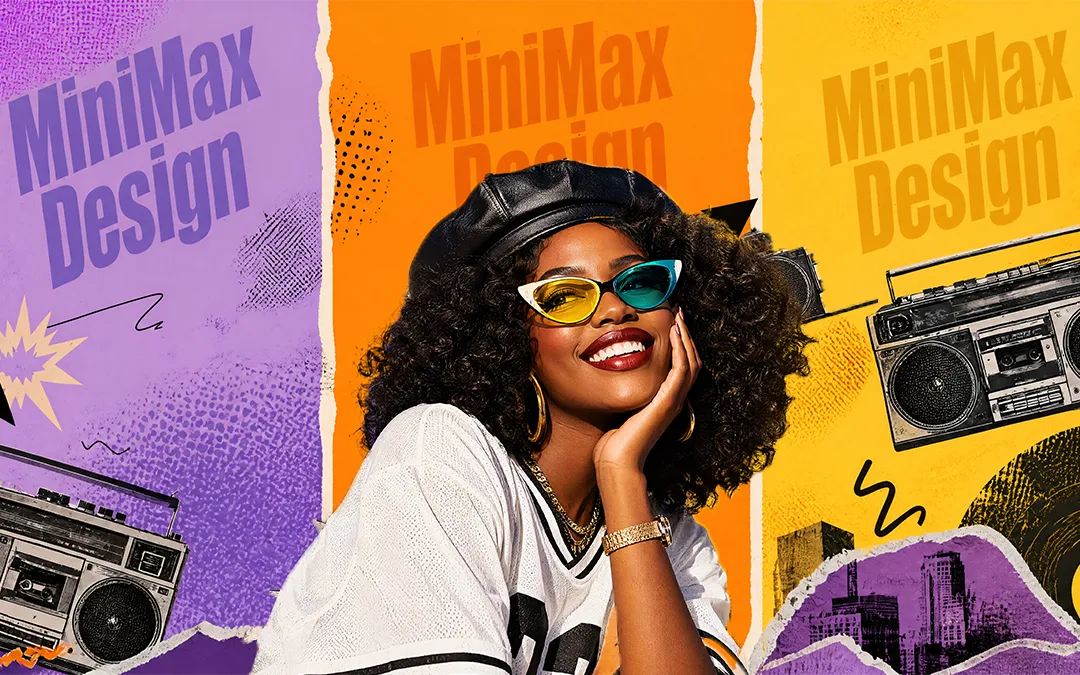
Create marketing visuals, product images, social media content, character designs, and photorealistic images from a simple prompt or reference image. Explore the examples below, then select any image to see the prompt behind it.
Start with a text prompt or reference image. MiniMax Design generates high-quality visuals in seconds, transforms existing images, explores new styles, and refines every detail to match your vision. Choose from multiple image sizes and aspect ratios, export in WebP, JPG, or PNG, and create images at resolutions up to 4K.
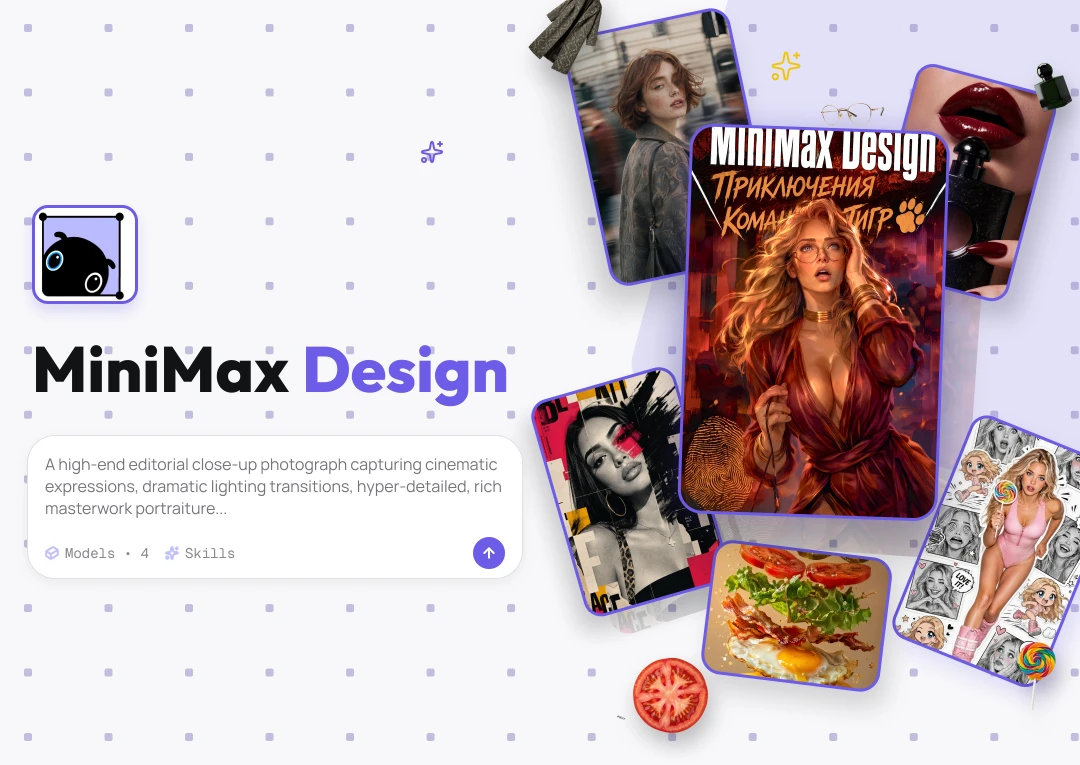
MiniMax Design is an image generator from text powered by advanced text-to-image AI. Describe what you want in everyday language, and it creates polished visuals in seconds—no complex prompts or design skills needed.
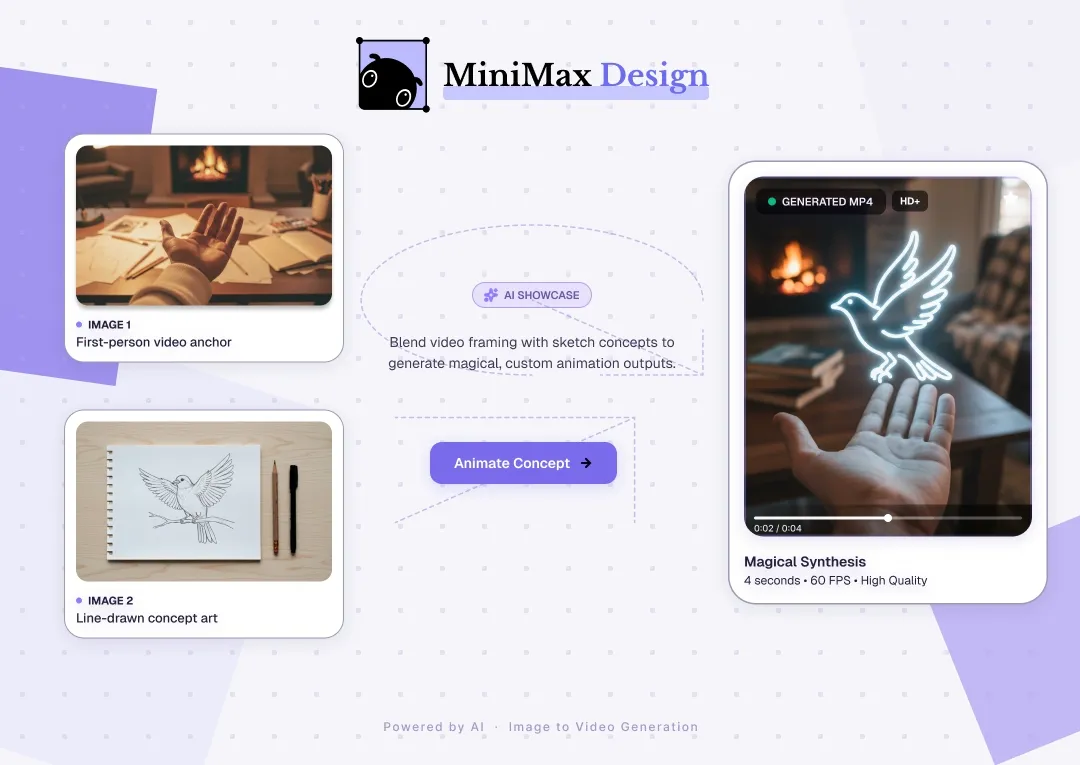
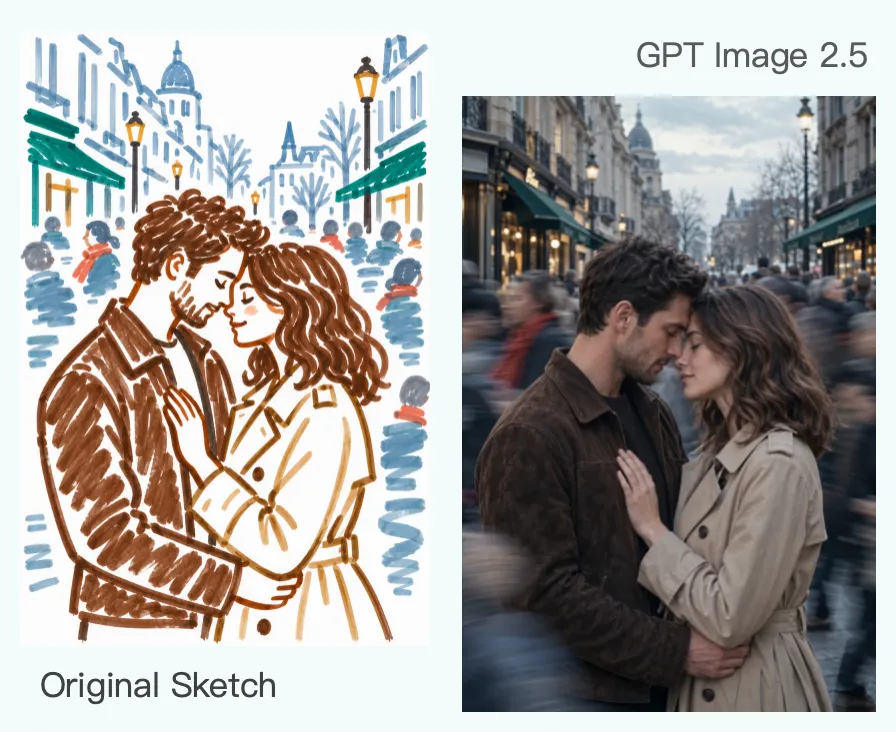
Use an existing image to guide the subject, style, composition, or visual direction while generating something new.
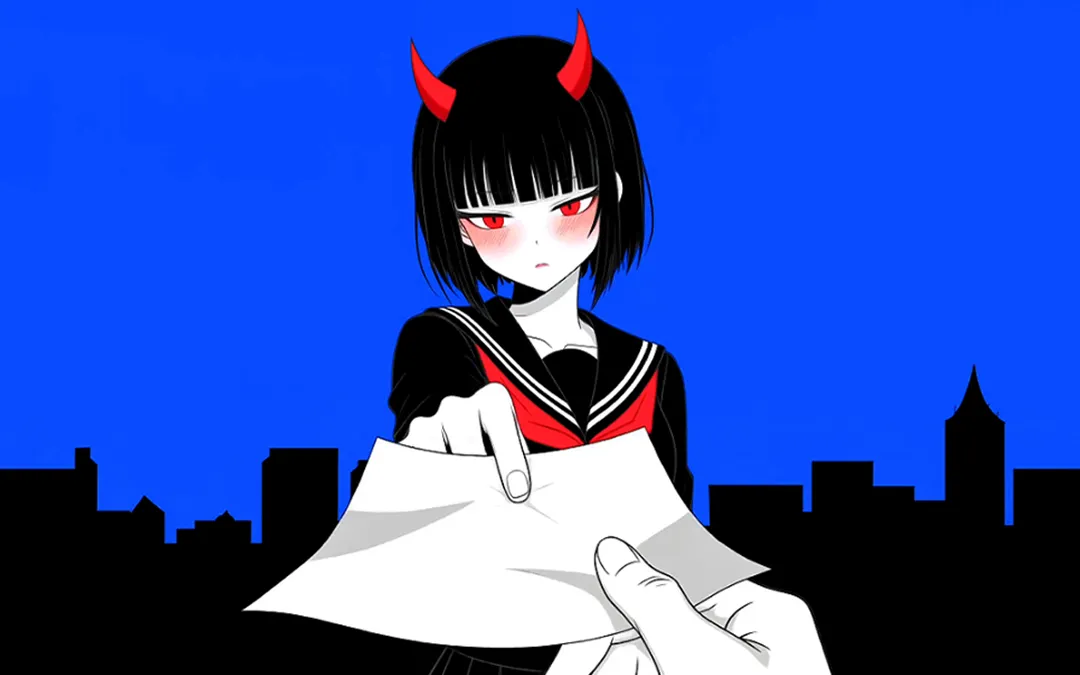
Use an AI photo generator to create realistic portraits, products, and scenes, then explore cinematic, illustrative, anime, and experimental styles to find the right look for your idea.
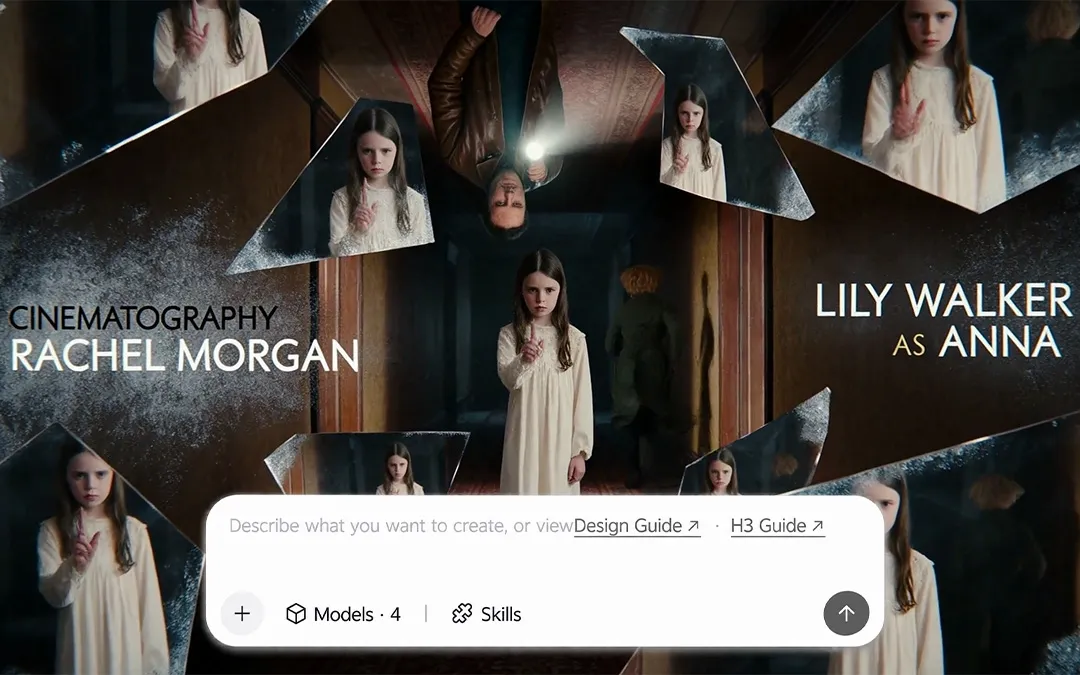
Adjust the viewpoint, framing, and camera angle to create the shot and composition your scene needs.
MiniMax Design brings together the latest advanced AI models, including GPT Image 2.5 and Nano Banana Pro. Compare available AI models and choose the one that best fits your subject, style, level of detail, and creative direction.
Transform existing images with simple instructions. Replace elements, adjust styles, refine details, and explore new variations without starting over.
Save a successful workflow, then run it again to produce consistent visuals faster and at scale.
Follow three simple steps to go from a rough idea to a polished image.
Create more in less time. Turn ideas into polished visuals for marketing, social content, and storytelling with flexible AI workflows in one workspace.
Create polished product images, ad creatives, and campaign visuals that capture attention and keep your brand looking its best.
Generate scroll-stopping visuals for posts, campaigns, and short-form content—fast enough to keep up with every idea.
Keep characters, art styles, environments, and visual details consistent across concept art, storyboards, scenes, and complete visual narratives.
An AI image generator turns text prompts or reference images into original visuals. With MiniMax Design, you can describe what you want, add references, choose from leading AI models, and refine the result in one creative workflow.
Enter a simple description of the subject, setting, composition, lighting, and style you want. MiniMax Design transforms your prompt into high-quality images and lets you refine details, explore variations, or switch models without starting over.
Yes. Upload a reference image to guide the subject, character, product, composition, colors, or visual style. MiniMax Design combines your reference with natural-language instructions, giving you more control and more consistent results.
Yes. MiniMax Design supports multiple image sizes and aspect ratios, so you can choose the dimensions that fit your creative project.
You can export your images in WebP, JPG, or PNG format. Choose the format that works best for your website, social content, or design workflow.
Yes. MiniMax Design supports image output at resolutions up to 4K, giving you more detail for high-resolution visuals.
Start with the subject and action, then add the setting, composition, lighting, camera angle, colors, mood, and visual style. Keep instructions clear and avoid conflicting details. References can help communicate a specific look more precisely.
Reuse the same character reference and repeat defining traits such as facial features, hairstyle, outfit, colors, and accessories. MiniMax Design helps preserve these details across poses, settings, and scenes, so recurring characters remain recognizable.
Describe exactly what you want to change and what must stay untouched. Use targeted AI editing to correct hands or faces, replace objects, adjust clothing, or refine the background while preserving the original composition and surrounding details. Explore the AI Photo Editor for background changes, object removal, and portrait editing.
Use a clear prompt, a high-quality reference, and a model suited to your intended style. Specify lighting, proportions, materials, textures, and important details, then refine selected areas or generate variations until the result matches your vision.
Yes. Turn an AI-generated image or any still visual into a dynamic video with MiniMax Design. Add movement, facial expressions, camera motion, and scene direction, then continue refining the visuals and audio in the same creative workflow.
Yes. You retain the rights to images you create with MiniMax Design and may use them commercially, subject to our Terms of Service. Do not create content that infringes others’ rights, causes harm, or defames anyone. All use must comply with our Acceptable Use Policy and the rules of the platforms where you publish.