What is Seedance 2.5 best suited for?
Seedance 2.5 is worth exploring when a scene needs a developing action, specific visual references, or coordinated sound and movement. Its suitability for a project depends on the available mode and how well the generated result meets your creative requirements.
Does Seedance 2.5 generate audio?
Yes. Seedance 2.5 supports audio-video generation, allowing sound to be created alongside the visuals. Describe the dialogue, environmental sounds, or effects that matter to your scene. Keep audio directions specific so they support the action and mood without competing for attention.
How can I keep characters consistent?
Use clear character references and keep identifying details consistent across your instructions, including appearance, clothing, and distinguishing features. When planning multiple shots, specify which details should remain unchanged. References can help guide continuity, but review the full result for changes in faces, proportions, or wardrobe.
How can I get better results with Seedance 2.5?
Describe the scene as a sequence of actions: establish the subject and setting, explain what happens, and define the ending. Add camera movement, lighting, and sound where they serve the idea. Give each reference a clear role, avoid conflicting instructions, and refine one major issue at a time.
What video lengths and resolutions are available?
Seedance 2.5 supports up to 30 seconds in a single generation. The selectable duration and output resolution depend on the platform and mode you use. Check those options directly rather than assuming that every service offers the same settings.
Can I start with text or an image?
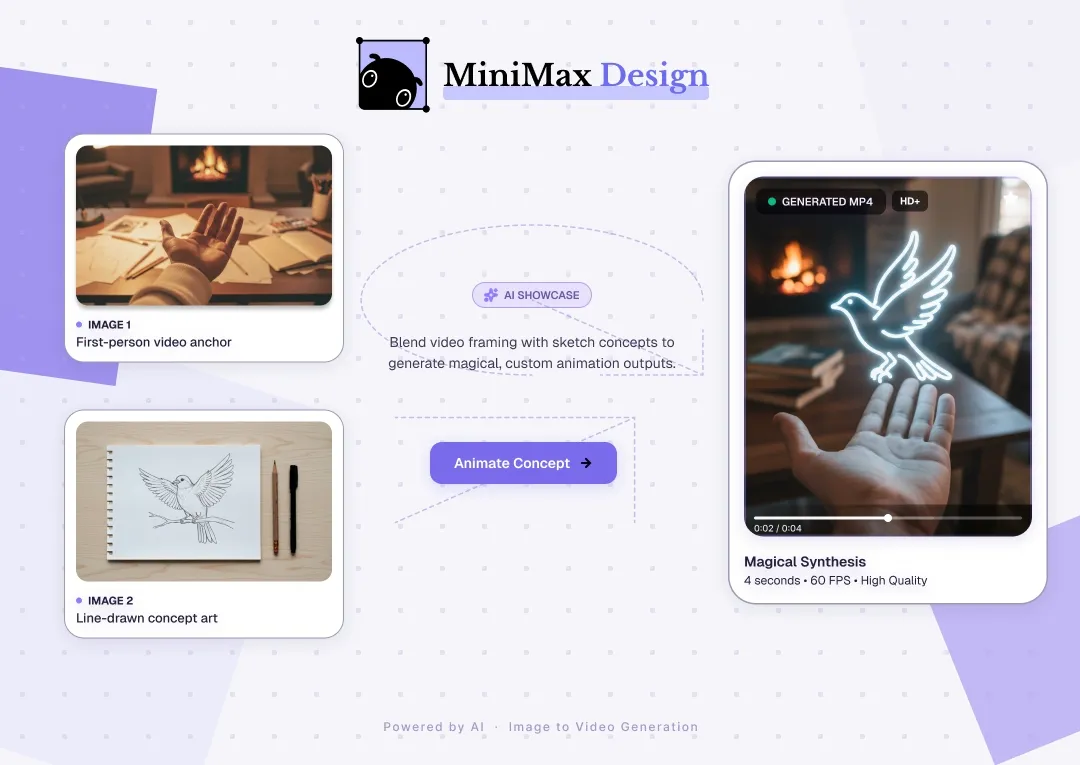
The model supports workflows that begin with text or visual input. Text-to-video describes a scene from scratch, while image-led generation provides a visual starting point. Reference-based workflows can use additional material to guide the result, where supported.
How long does generation take?
Generation time can vary with the request, selected settings, and service demand. Allow time to review and revise the result as well as generate it. Avoid planning a deadline around an unverified instant-generation estimate.
Can I use the videos commercially?
Commercial use depends on the terms that apply to the service and model, as well as the rights associated with your input materials and intended use. Review the applicable terms and the final output before using a video in a campaign or client project.