Short films & microdramas
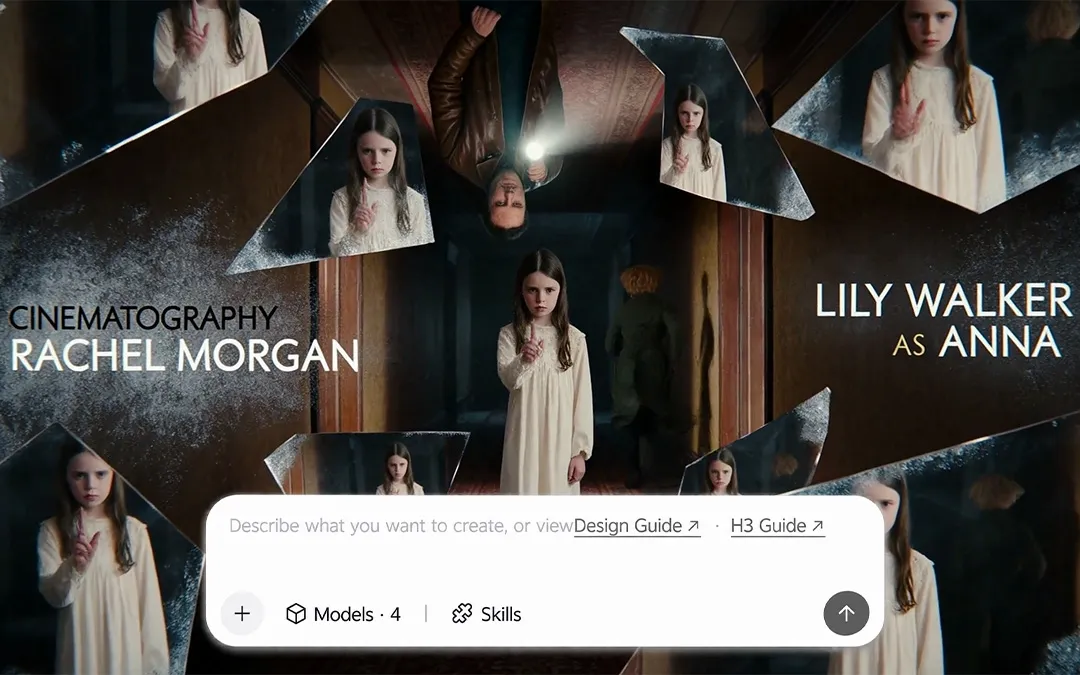
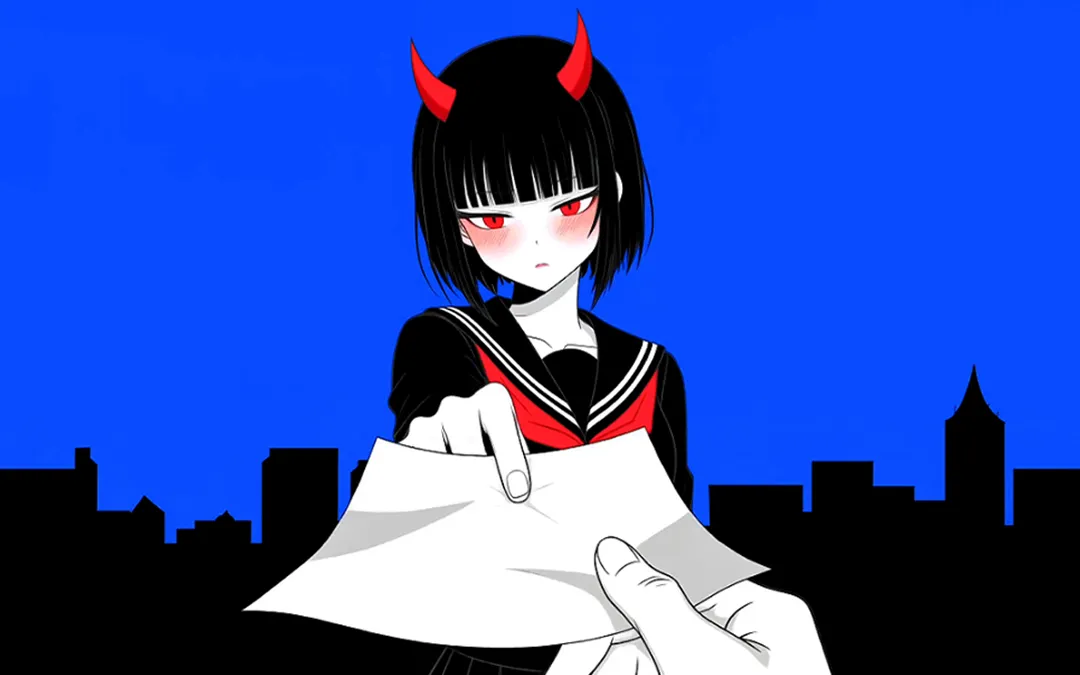
An actor reference and a short script become a scene with an entrance, a confrontation and a reaction. Use the sequence as a story prototype, then refine the performance that needs another take.
Kling 4.0 is an AI video model for generating, editing and extending videos with text, images and video references. Develop a complete scene with up to 30 seconds of native video and more control over its key moments.
Kling 4.0 gives you more room to tell a complete story and more control over how it unfolds. Guide each scene with richer references, shape the key moments and refine the details without starting every idea from scratch.
Native Video Generation
Give the opening, turning point and ending space to unfold in one generation. Create up to 30 seconds of native video, then use time-based direction and up to 10 input keyframes to shape the story. Start with two frames for the endpoints, five for the turns or ten for a detailed sequence; a simple prompt can develop the story, setting and camera direction.
Reference to Video
Combine up to 15 reference materials to bring character identity, movement, visual style and voice into the same scene. Work with up to 10 images and 5 videos totaling no more than 30 seconds, with support for up to 7 subjects and 3 video subjects within the combined allowance. Give each reference a clear role, or adapt a reference video’s rhythm and shot structure around your own product or character.
AI Video Editing
Keep developing a promising shot by changing its expression, movement, camera angle, camera motion, background or style. Guide the revision with one main clip and supporting references—up to 5 videos, with individual and combined duration no more than 30 seconds—while improving preservation of the surrounding scene.
Picture & Sound
Bring out the highlights, shadows and color with 4K or 1080p 10-bit HDR output and a 21:9 frame. Smoother running, combat, chases, explosions, dives and fast turns pair with controlled push, pull, pan, tracking, follow and orbit shots. Improved lip sync and two-channel stereo complete the performance, while readable text, logos and emoji support cinematic, animated, fantasy, pixel-art and felt-inspired scenes.
Multilingual Video
Create speech and in-scene text in Chinese, English, Japanese, Korean, Spanish, Portuguese, German, French and Hindi. Give characters a more specific voice with Beijing, Taiwan or Northeast Chinese accents, Sichuanese, Cantonese, or American, British and Indian English accents, and adapt the same story for different audiences.
Video Extension
Give a scene a new beginning or carry its action into the next moment. Extend an uploaded clip or a Kling-generated video before or after the original, then develop a sequence of up to 2 minutes through repeated extension. This is not the single-generation limit; review character, motion and sound at each join.
Turn a film idea, campaign brief or creator concept into a scene you can develop. Explore how Kling 4.0 fits six common video projects.
An actor reference and a short script become a scene with an entrance, a confrontation and a reaction. Use the sequence as a story prototype, then refine the performance that needs another take.
Turn a product packshot into a reveal, a demonstration and a clear selling moment. Develop variations of the opening hook, setting or message for different ad concepts, then assemble the final cut around the product benefit.
Build a launch-film concept from a brand moodboard and a central story. Connect atmosphere, product detail and a final brand moment through a consistent visual treatment that can guide the wider campaign.
Bring a creator portrait and a location idea to a recurring series. Keep the character direction familiar while changing the setting, visual treatment or opening hook for each episode.
Pair an artist reference with a song outline. Plan a visual transition at the chorus and a longer atmospheric passage, then align the final edit with the music.
Start with a teaching point or campaign message. Show the idea through a short visual sequence, then develop language-specific dialogue and on-screen wording for each audience.
Bring your idea, references and creative direction together in three steps.
Describe your video idea and gather the images or clips that will guide its look.
Kling 4.0 is an AI video model for generating, editing and extending video with text, images and video references. It supports workflows such as directing a scene with keyframes, combining reference materials and refining an existing clip.
Yes. Kling 4.0 supports native audio generation with two-channel stereo and improved lip sync, bringing dialogue and character performance together in the same video. Speech is supported in 9 languages, along with regional accents and dialects.
Kling 4.0 increases native video generation from up to 15 seconds to 30 seconds and adds control through up to 10 input keyframes. It also expands the reference workflow to support up to 15 mixed materials and increases supported speech languages from five to nine. These upgrades give creators more room to develop a scene, specify important visual moments and prepare content for more audiences.
No. Native generation is up to 30 seconds. The two-minute limit applies to a sequence developed through repeated extension, with new content before or after the source clip.
References describe identity, appearance, motion, style or voice. Keyframes anchor particular visual moments in the sequence. Give each input a clear purpose instead of treating the two as interchangeable.
A short creative instruction can start the process: the model can expand the plot, scene details and camera direction. Add precise instructions when a particular action, transition or ending matters to your brief.
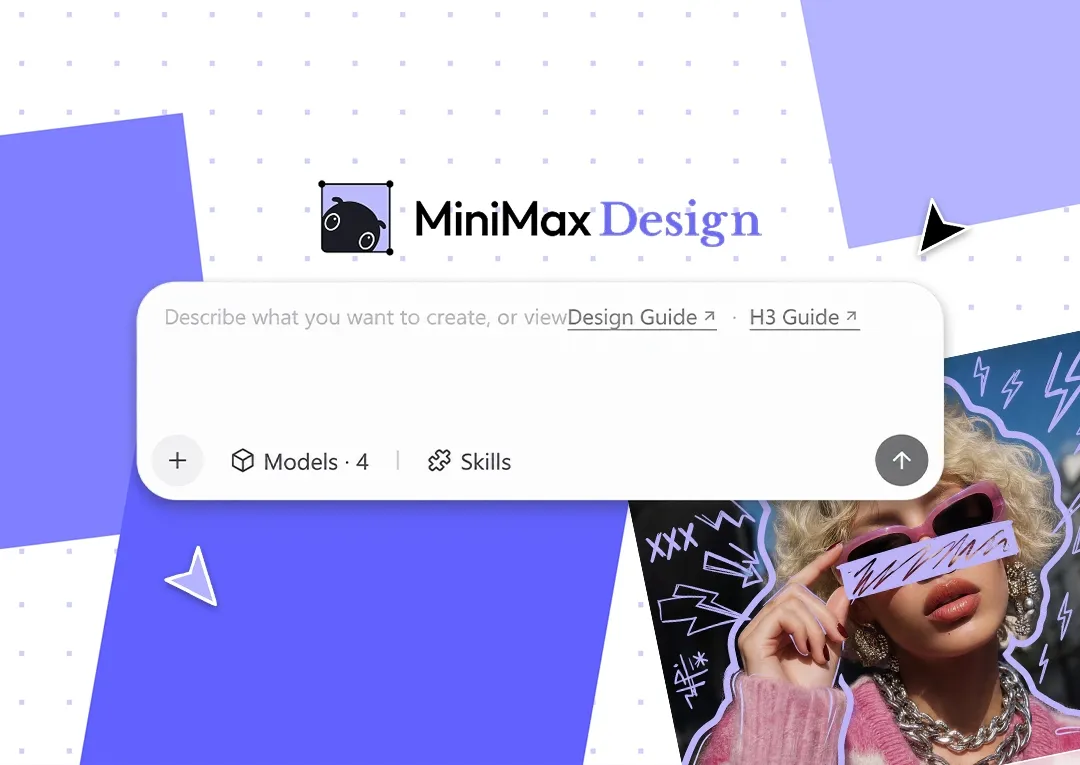
A finishing editor is useful for assembling scenes, exact timing and final soundtrack or text checks. In MiniMax Design, develop the brief, script and storyboard through natural language, organize local assets on the Canvas and save repeatable workflows as Skills. Continue the final edit with tools such as CapCut.
Your creative workspace in MiniMax Design.
Develop the brief, script and storyboard through natural language. Keep local assets organized on the Canvas, save repeatable workflows as Skills, and continue the final edit with tools such as CapCut. Available for Mac and Windows.